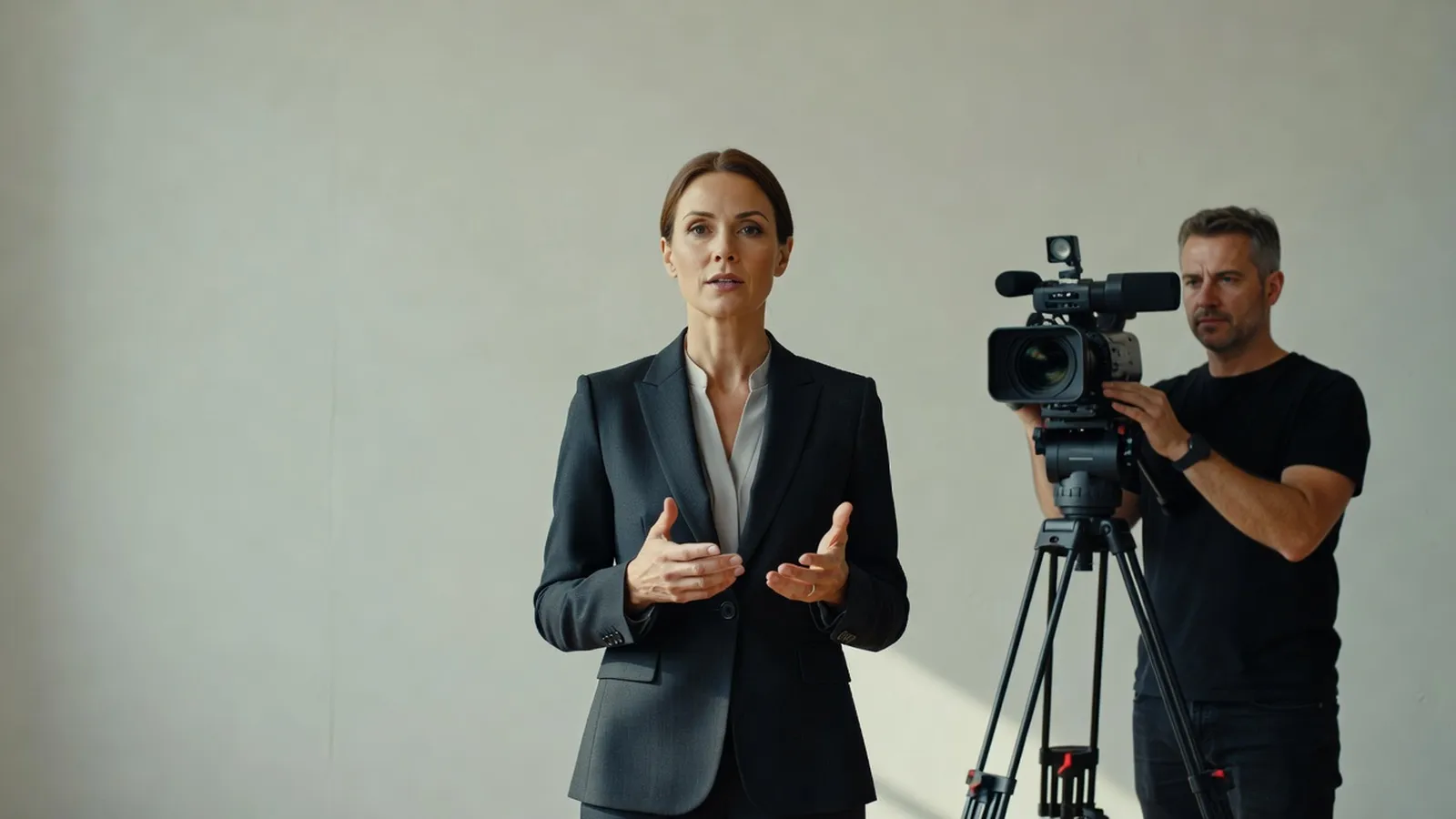
A filmed interview cannot be improvised on the way into the room. What makes the difference is prepared ahead of time: three clear messages, a realistic idea of what the edit will do to your sentences, a plain setting and answers ready for the questions you would rather avoid. This guide covers that preparation, whether you are answering a reporter, pitching a story or recording your own statement, and then what has to be settled after the shoot: transcript, rights and consent.
What a filmed interview asks of your preparation
Speaking to a camera is not an ordinary conversation. The microphone keeps every hesitation, the lens shows your hands and your eyes, and the people on the other side will decide, often without you, what stays in. Preparation is first about taking back some control over what can be controlled: what you say, how you say it and the context in which it will be seen.
Speaking on camera comes down to three situations, and they do not call for quite the same work.
- Pitching a story: you approach a reporter with a subject. You need a precise angle, a reason for anyone to care now and someone available to be filmed.
- Planning a statement: an announcement, a response to an event, a message recorded for your own site. You control the timing and, in part, the setting.
- Responding to a request: a reporter calls, often with little time. You have to decide within minutes whether to speak, who speaks and about what.
The same groundwork applies to all three. Before anything else, ask yourself a few plain questions and write down the answers.
- Who will watch this video, and in what setting?
- What should that person remember in a single sentence?
- Who is best placed to speak: the person who knows the subject, or the person with the most senior title?
- What is the worst passage that could be pulled out, and what would you say then?
That last question is the most useful and the most neglected. It forces you to read your own remarks the way a rushed editor will. If you are also preparing a video for your own website, the reasoning is the same, with one advantage: you can start over. To see where this kind of content sits among other formats, the pillar page on web, marketing and communication video gives an overview.
Finally, ask the practical questions without embarrassment: planned length of the recording, location, number of people being interviewed, live or recorded, intended use of the clips. A serious reporter answers these, and how they answer already tells you what to expect.
Three messages, not ten: building what you will say
A statement that tries to say everything leaves nothing behind. A basic rule of public speaking is to choose three messages and stay with them. One message looks thin, ten dilute each other; three can be remembered, repeated and found again from one answer to the next.
A good message meets three tests. It fits in one complete sentence. It is true, and you can back it up. It speaks to the person watching, not to your organization. "We are deeply committed to quality" says nothing; "every delivery is checked by a second person before it leaves" can be pictured and verified.
A preparation method
Write the three messages out in full first. Under each, add a proof or a concrete example, then a bridging sentence toward one of the other two. This exercise is shorter than it sounds, and it prevents answers that wander in every direction.
Here is a simple frame for each message.
- The statement: the sentence you want to find in the final cut.
- The proof: a fact, an example or a situation the audience can picture.
- The bridge: the sentence that lets you return to this message from a question that drifts away from it.
Do not load your preparation with figures you cannot support. Any number quoted on screen must be exact, dated and attributable; an approximate figure delivered with confidence becomes a quotation that cannot be withdrawn. When in doubt, an honest qualitative wording is better than a fragile precision.
Finally, keep to everyday vocabulary. Internal acronyms, project names and trade jargon do not survive the screen. If a technical term is unavoidable, define it in the same sentence.
The reporter, the camera, the edit: what happens to your words
The person on camera experiences a twenty-minute conversation. The audience will see a few sentences, sometimes a few seconds, set inside a story you do not control. Understanding that passage from conversation to edit changes how you answer.
The editor looks for short, self-contained, clear segments. They are cut where a sentence ends well, placed after a question restated on screen or a voice-over, and may be ordered differently from the interview. Your longest answer can therefore be reduced to its first or last sentence.
Three habits follow.
- Answer in complete sentences that carry their own subject. "Yes, that's right" illustrates nothing; "Yes, the renovation will be finished before winter" can.
- Put the essential first, then the explanation. If only the opening is kept, it carries the message.
- Mark the end: an answer that trails off in successive qualifications gives the editor several places to cut, often the wrong one.
You also need to know what is and is not allowed in the exchange. What is said before the recording, during a pause or after the official end of the interview can be heard if the microphone is live. Assume that everything said within range of the camera is recorded until the crew has clearly stopped. Requests such as "this is not for broadcast" are made before you speak, and with the clear agreement of the person asking the questions.
The reporter is not your opponent by default, and not your mouthpiece either. Their job is to ask questions on behalf of their audience. Yours is to answer honestly and clearly. When both roles are respected, the interview is usually fair, even if it is not flattering.
A question about how the edit works is always worth asking: in what context will the clip be placed, can you see the final version before it runs, how long do you have to request a factual correction? The answers vary from one newsroom or producer to another, and it is better to know them before you sit down. When the interview feeds a longer piece of content, the article on corporate video for presenting, training and informing helps decide which format suits which message.
Background, sound, clothing: the minimum staging
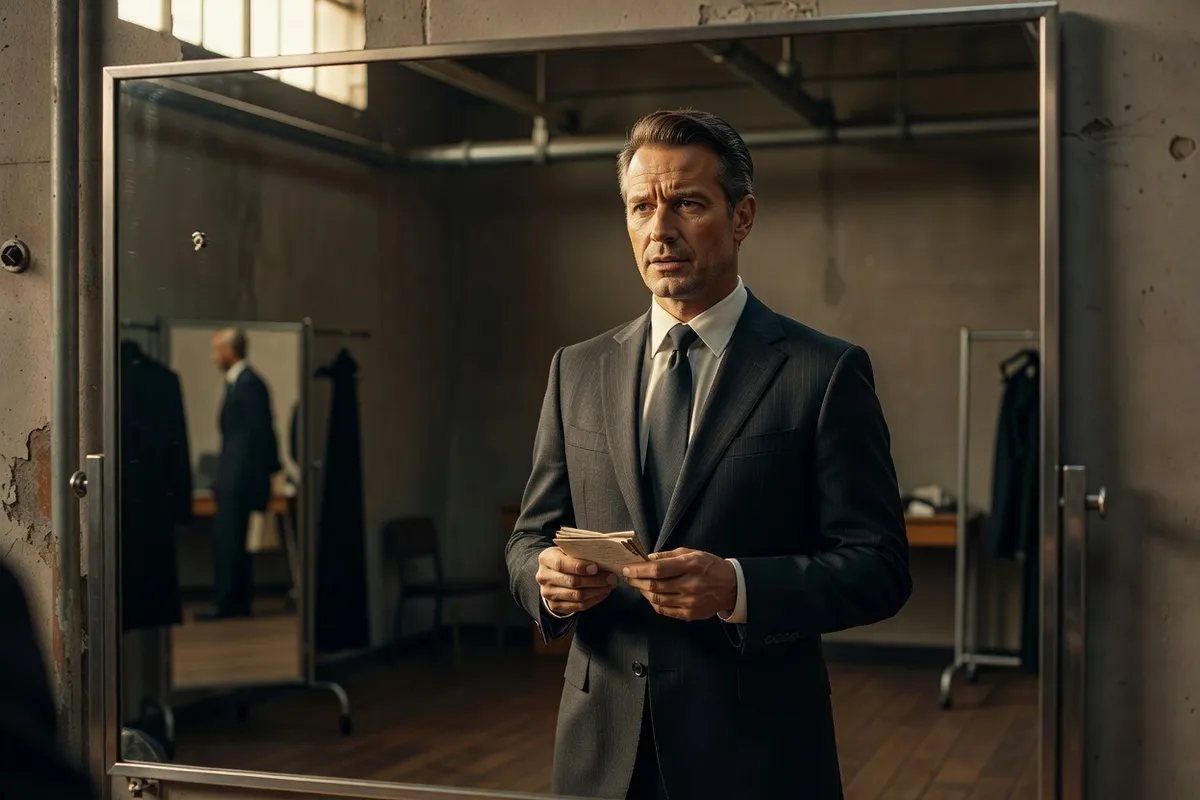
People often assume staging is secondary. On screen, though, it speaks before you do: a cluttered background distracts, hollow sound tires the ear, and clothing that flickers in the edit pulls attention away from the message. The goal is to remove anything that does not help people listen.
The background
Choose a plain wall, a tidy bookshelf or a clear desk. Avoid windows directly behind you, which throw your face into shadow, and lit screens in the frame. Do not place a logo, poster or recognizable object that strays from your subject. Stand a few steps away from the wall to avoid hard shadows.
The sound
Sound matters more than people expect. Pick a quiet room, away from traffic, ventilation and humming equipment. Close the doors, silence phone notifications, avoid hard surfaces that echo. If possible, bring a microphone closer to your mouth rather than raising your voice. A clean recording can be fixed cheaply; a noisy one, very rarely.
Clothing and posture
Wear solid colours, neither too light nor too dark, and avoid fine stripes, tight patterns and jewellery that clinks or catches the light. Choose something you are comfortable in: viewers notice at once when someone is tugging at a collar.
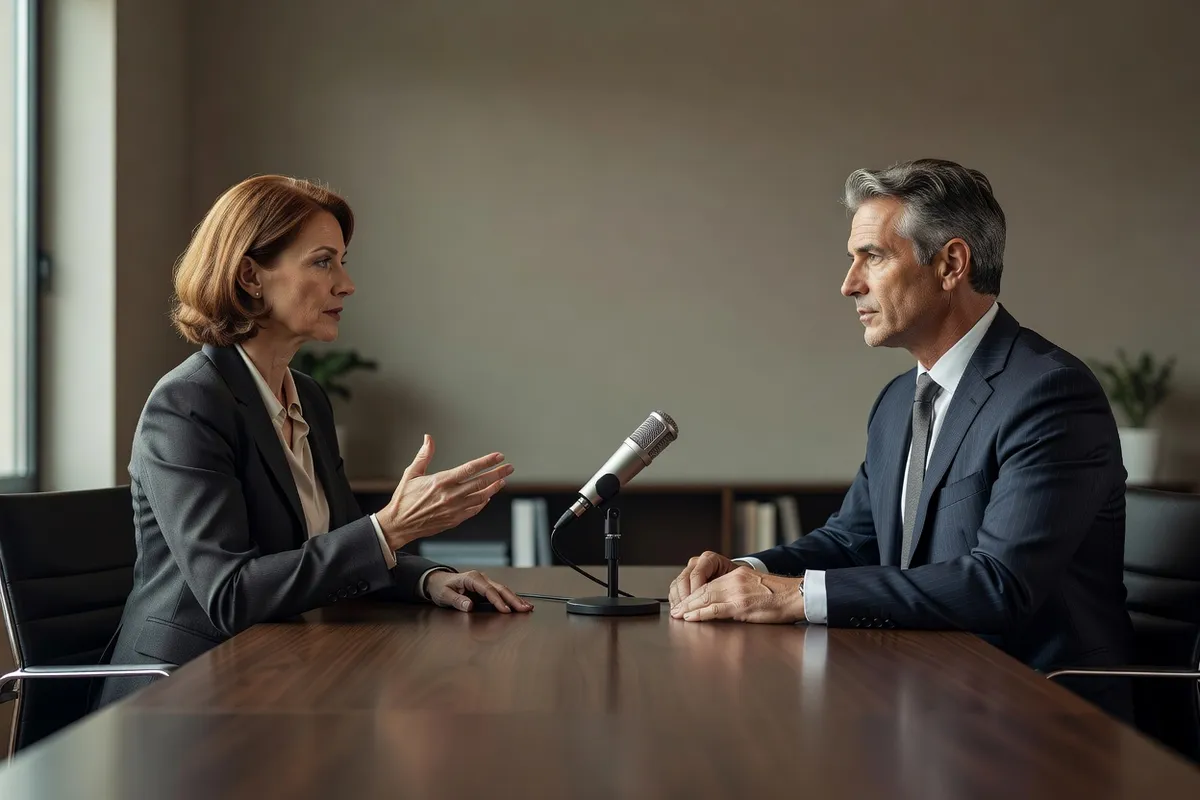
For posture, sit upright, leaning slightly forward, hands visible and calm. Look at the person asking the questions, not at the lens, unless you are recording your own video, in which case the lens becomes your interlocutor. Let your gestures be natural, but avoid swivelling in the chair or playing with a pen.
A quick reference
The table below links a few common situations to what the audience sees and to the useful reflex.
| Situation | What the audience sees | Reflex to adopt |
|---|---|---|
| You search for words | A silence, then a hesitant face | Take a breath, run the message through your head, answer in one plain sentence |
| The question is negative | A person repeating the question's wording | Restate in positive terms and return to one of your three messages |
| You look at your notes | A person reading, addressing no one | Keep three keywords in mind, not a script in front of you |
| A factual slip escapes you | A statement the edit could keep | Correct it right away, calmly, and restate the exact sentence |
| The microphone stays live after the end | A remark that could be used | Keep the same level of discretion until the recording has clearly stopped |
Answering difficult questions without dodging
Every interview includes at least one question you would rather avoid. Preparation means finding it before the crew does. Gather two or three people who know the file, ask them to write the most uncomfortable questions, then answer them aloud. The more unpleasant the question, the more work it deserves.
A solid answer generally follows five beats.
- Listen to the end, without starting to answer in your head.
- Breathe, which buys half a second of thought that the edit will cut.
- Acknowledge the question: "That's a fair question."
- Answer what is true, directly, without detour or jargon.
- Return to a prepared message, at the end of the answer and not in place of it.
What to avoid matters just as much.
- Repeating the negative words of the question: if you are asked whether you failed, do not begin with "we did not fail."
- Saying "no comment", which sounds like an admission; explain instead why you cannot answer, when that is true.
- Speculating about what might happen or what someone else thinks.
- Attacking the reporter or the question, which hands your opponent a headline.
- Lying or minimizing, by far the worst strategy, because the gap generally ends up showing.
When you do not know, say so: "I don't have that information; I can get it to you." Then keep the promise. An honest but incomplete answer is better than a complete but inaccurate one, especially when the clip will be replayed over and over.
One special case deserves preparation: the question you cannot answer for reasons of confidentiality or procedure. Say so simply, state what you can say, and offer a time when more information will be available, if that is the case. Keep in mind here that privacy rules do not apply only to others: what you say about a client, an employee or a partner commits your organization.
Note finally that sincerity shows. A spokesperson who acknowledges a problem, explains what has been learned and what is being done generally inspires more trust than one who defends everything wholesale. It is no guarantee, but it is the most honest way to prepare.
After the interview: transcript, rights and consent
When the camera goes off, part of the work remains. You need to keep a record of what was said, know who owns the footage and make sure the people filmed have agreed to the intended use. This is where you are most exposed, because it is less visible than the shoot.
The transcript
A written transcript helps check quotations, find useful excerpts and make the content accessible. The Government of Canada's Digital Accessibility Toolkit specifies that a transcript, the text equivalent of an audio or video file, must include on-screen text, dialogue and narration, important sounds, important actions and audio description where there is one. Its transcript guidelines add that the speaker's name is given at every change of speaker, that relevant sounds and actions are noted in brackets, for example [Music], and that on-screen text is included, unless the speaker reads out everything that is written.
These rules are aimed first at federal government products. They do not automatically apply to a private business, but they are a clear public reference for what a complete transcript looks like.
For the video itself, the same toolkit states that videos with audio require synchronized captioning: anything said or heard must be included in the captions, which must be synchronized with the audio, equivalent in content and readily available to those who need them. It also notes that WCAG 2.1 refers to audio-video recordings as "time-based media", whose accessibility depends on four factors: transcript, captioning, audio description and keyboard access. The full introduction to accessibility requirements for audio-video covers the subject in detail. For a video meant to be found online, a transcript and captions also help discoverability, which the article on video SEO in 2026 covers.
Rights in the recording
The Canada.ca content style guide asks authors to make sure they have the appropriate permissions to publish images, audio files and videos online, and to hold written proof of those rights. That is an internal rule for content published on Canada.ca and not a legal obligation for a private business; it is nonetheless a good working habit. The Canada.ca content style guide is public.
On copyright, keep a few principles of the Copyright Act in mind. The author of a work is its first owner, subject to the Act's other provisions; where the work is made in the course of employment, the employer is, absent an agreement to the contrary, the first owner. An assignment or licence is valid only if it is in writing and signed by the owner of the right. Moral rights (integrity of the work, being named as its creator, anonymity) cannot be assigned but can be waived, and assigning the copyright does not by itself amount to a waiver. Who holds what in a recorded interview, as between the reporter and the person interviewed, is not settled by the official pages consulted for this guide, so we do not claim to answer it. What matters in practice is to settle these questions in writing before publishing. The wider questions of copyright, image rights and music are covered in Copyright, image rights and music: the essentials for a video in Canada.
Image and consent
For the person filmed, the Civil Code of Québec provides that every person has a right to the respect of their reputation and privacy, and that no one may invade it without consent or unless the law authorizes it (article 35). It adds that using a person's name, image, likeness or voice for any purpose other than the legitimate information of the public may, among other things, be considered an invasion of privacy (article 36, paragraph 5). Articles 35 and 36 of the Civil Code of Québec can be read online.
As for personal information, Québec's Commission d'accès à l'information states that, to be valid, consent must be manifest, free, informed, specific, temporary, granular, understandable and distinct when requested in writing. It specifies that information is sensitive if it is medical, biometric or otherwise intimate, and that consent to sensitive information must be express. Québec's private-sector privacy act, as amended by Law 25, likewise requires consent to be requested for each purpose, in simple and clear terms. The Commission's page on consent was found in French only. None of the Commission's pages consulted deals specifically with image rights, so it would be wrong to write that a person's image is, in itself, personal information. For image, the source remains the Civil Code.
In practice, a clear authorization form, in plain language, stating the intended use, the channels where the video will run and the length of the permission, protects everyone. If someone speaks about their health or private life, ask for express consent and think about what you keep in the edit. This paragraph is general information; if in doubt, consult a lawyer.
Practising before the day
You do not learn to speak to a camera by reading about it; you learn by watching yourself. The exercise is uncomfortable, which is exactly why it works. A few short rehearsals spread over several days beat one big session the night before.
A five-step rehearsal session
- Set up the frame as it will be on the day: same room, same distance, same lighting, same clothing.
- Have a colleague ask the questions, including the uncomfortable ones prepared above.
- Record the exchange with a simple device, without elaborate settings.
- Watch first with the sound off, to observe hands, shoulders and eyes; then listen without the picture, to hear the rhythm and verbal tics.
- Go again, fixing one point at a time: too fast, too long, wandering eyes, unfinished sentences.
Avoid correcting everything at once: the result would be a stiff performance. Choose one main flaw per session and let the others sort themselves out.
Tics to watch for
- Filler words that come back in every sentence.
- Sentences that rise at the end, like a question.
- A pace that races on sensitive subjects.
- Eyes that drift to the ceiling or the notes.
One last precaution for the day of the recording: arrive early, test the sound with a few sentences, drink some water, put the phone away and reread your three messages one last time. After the interview, note what worked and what surprised you; that feedback serves the next time. A successful appearance does not depend on innate talent but on repeated preparation that shows on screen, quietly.